How to Organize Vehicle Documents Digitally in Germany
A practical system for scanning, naming, securing, backing up and retrieving vehicle documents in Germany—without confusing ordinary PDF copies with official digital documents.
By the Fahrnex Editorial Team · Reviewed by Umme Hanna Meskat
Vehicle documents tend to arrive through different channels: a registration office hands over paper, an insurer sends a PDF, a workshop prints an invoice and a tyre shop emails a receipt. If every file remains in its original inbox or drawer, finding the right evidence during a claim, inspection or sale becomes unnecessarily difficult.
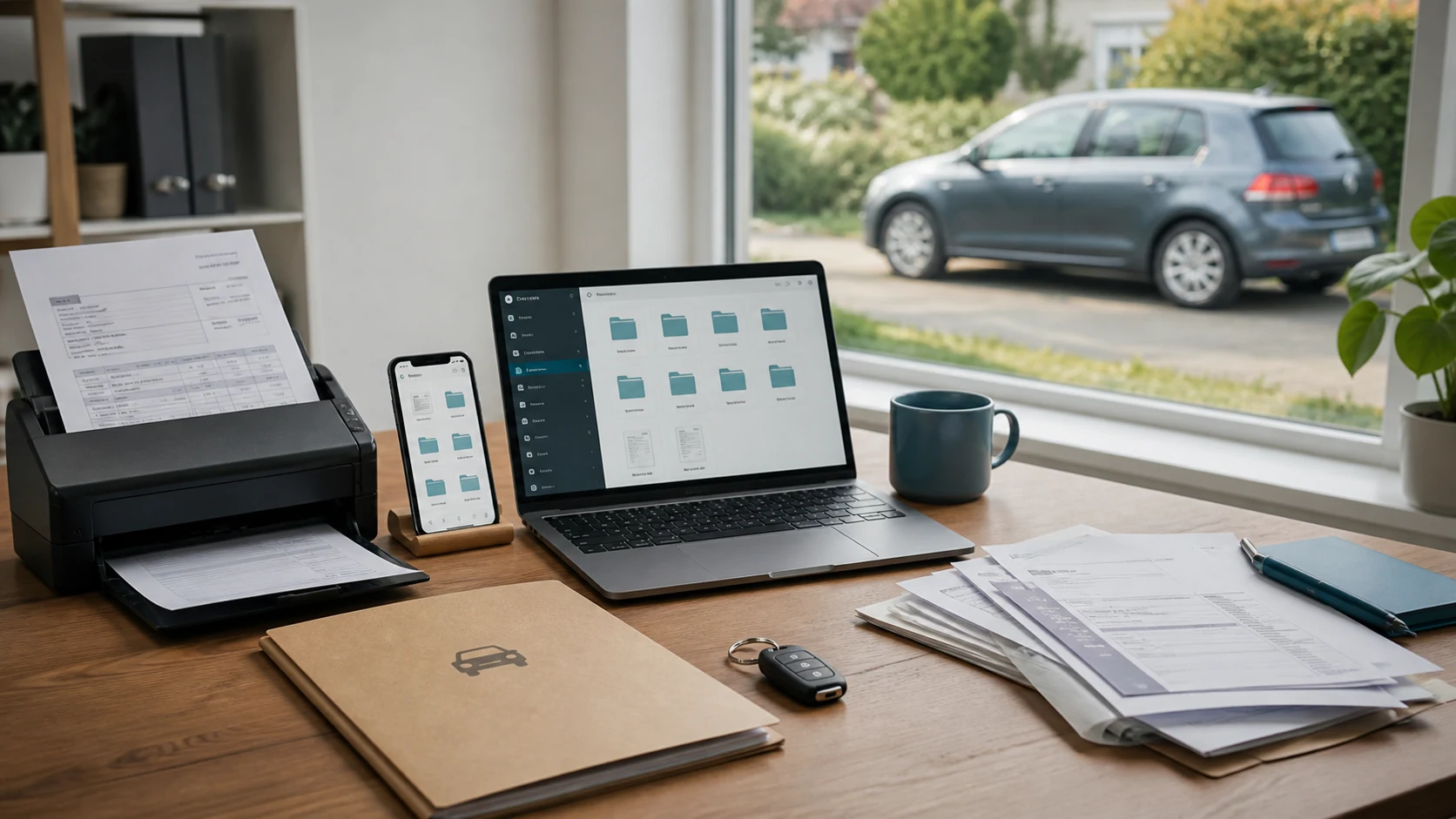
A useful digital system does not begin with a complicated app. It begins with consistent categories, filenames, access rules and backups. This guide provides a practical structure for private drivers and small fleets in Germany while making an important distinction: an ordinary scan is a convenient working copy, but it is not automatically an official digital document or a replacement for an original.
Quick answer
Create one record for each vehicle, identify it with a non-sensitive internal label, and store documents in six consistent categories: ownership and registration, insurance, inspections, service and repairs, tyres and equipment, and costs or contracts. Name every file with the date, document type and provider; verify that the scan is readable; connect deadlines to reminders; restrict access; and maintain a separate tested backup.
Recommended filename: YYYY-MM-DD_document-type_provider_short-description.pdf
Example: 2026-08-18_service-invoice_local-workshop_front-brakes.pdf
A filename should help you find the document without opening it. Avoid placing a full VIN, account number, policy number or home address in the filename because filenames can appear in notifications, search indexes and shared links.
Keep the next vehicle deadline visible without scattered paperwork.
Fahrnex connects reminders, documents, and service history so inspections and maintenance are easier to plan before they become urgent.
Create a free account1. Decide what the digital archive must accomplish
Before scanning anything, define the jobs the archive must support. Most vehicle owners need to answer five questions quickly:
This prevents two common extremes: keeping every file without structure or deleting evidence simply because it looks old. The archive should provide a chronological vehicle history, not become an indiscriminate dump of screenshots.
2. Which vehicle documents should be organized?
Ownership and registration
Keep highly sensitive originals securely and do not leave documents such as the Zulassungsbescheinigung Teil II in the vehicle. A reference scan can help with preparation, but the recipient of a transaction or authority may still require the original or an officially supported digital form.
Insurance and claims
Store a claim as one case rather than scattering its files across the general invoice folder. Use a neutral case label and keep original-resolution photographs separately from smaller versions sent by email. For help understanding coverage documents, see our guide to German motor liability, partial and comprehensive insurance.
Inspections and compliance
Do not save only the next due date. Keep the underlying report because it explains the result, mileage and any findings. A reminder is an action prompt; the report is evidence.
Service, repairs and maintenance
A complete invoice is more useful than a card payment screenshot because it normally identifies the work and parts. Record the mileage as structured information as well as retaining the document. Our vehicle-cost tracking guide explains how documents can support an accurate expense history.
Tyres, equipment and accessories
Never place plaintext security codes in a broadly shared folder. Limit them to the smallest group that genuinely needs access.
Tax, parking and recurring costs
| Topic | Amount | Notes |
|---|---|---|
| Motor vehicle tax assessment and relevant correspondence | - | - |
| Resident parking or garage contract | - | - |
| Breakdown service membership | - | - |
| Toll, charging or fuel account agreements where relevant | - | - |
Recurring bills should be linked to their renewal or cancellation date. A document archive should not be the only reminder system.
3. Understand the official digital registration certificate
Germany's official i-Kfz app provides the digital form of the Zulassungsbescheinigung Teil I. According to the Federal Ministry for Transport, the app was launched on 6 November 2025, its use is voluntary, and the general duty to carry the registration certificate can be met with either the official digital version or the paper document.
This does not mean that a photograph, email attachment or self-created PDF of the paper certificate has the same status. Describe ordinary scans as reference copies and use the official i-Kfz process where an official digital registration certificate is required. Requirements can change, so check the ministry's current instructions before relying on the app during travel or a transaction.
4. Use a folder structure that follows the vehicle
Organize the top level by vehicle rather than by provider or owner. A private household might use:
| Folder | What belongs there | Useful metadata |
|---|---|---|
| 00_vehicle-profile | Internal vehicle label, purchase and handover overview | Make, model, year, internal ID |
| 01_registration-ownership | Contracts, registration correspondence, sale records | Document date, transaction |
| 02_insurance-claims | Policies, amendments and claim cases | Coverage period, case label |
| 03_inspections-compliance | HU/AU, modifications, recalls | Inspection date, mileage, next due date |
| 04_service-repairs | Estimates, invoices, warranties and reports | Mileage, provider, system |
| 05_tyres-equipment | Tyres, battery, accessories and storage | Specification, installation date |
| 06_costs-contracts | Tax, parking and recurring services | Amount, renewal, cancellation date |
| 99_sale-archive | Final handover and the closed vehicle record | Sale date, recipient set |
Numbers keep folders in a stable order across systems. Avoid creating a new category for every provider. A workshop can change; the purpose of a service invoice does not.
5. Establish one filename rule
A robust filename contains four elements:
Use lowercase letters, hyphens or underscores consistently. Do not name files final.pdf, scan003.pdf or new-invoice.pdf. If a corrected document arrives, retain the original where relevant and append a clear version label such as corrected-2026-08-20 rather than silently overwriting evidence.
6. Scan for evidence, not appearance
Use PDF for multi-page documents and a widely supported image format for photographs. Capture every page, including terms, attachments and the reverse side when it contains information. Keep the page flat, use even light and crop only empty surroundings.
After scanning, check:
Do not improve a document in a way that changes its substance. Rotation, cropping empty borders and careful contrast correction can aid readability; removing marks or reconstructing text can undermine reliability.
7. Add metadata and reminders separately
A file alone cannot warn you that an action is due. For each document, record only the metadata needed to retrieve and manage it: vehicle, category, issue date, provider, mileage, amount, expiry or next action, and access level. Connect the relevant dates to reminders.
For example, an HU/AU report may produce a reminder for the next inspection; a tyre invoice records installation date and specification; an insurance notice may produce a renewal review. Do not invent an expiry date when the document has none.
8. Protect sensitive information
Vehicle files can contain addresses, signatures, bank details, policy numbers, identification data and location information. Protect the archive in proportion to that risk:
Before sharing, create a separate disclosure copy and redact information the recipient does not need. Keep the unmodified original in the restricted archive. Redaction must permanently remove the information from the shared file, not merely cover it with a movable shape.
9. Build a backup that can actually be restored
Synchronization and backup are not always the same. A mistake or deletion can synchronize across every device. The German Federal Office for Information Security recommends regular backups, checking that the backup is complete and readable, and considering compatibility over time. For cloud services, it advises reviewing privacy terms and encrypted transfer and storage.
A practical small archive can use:
Do not keep the only backup permanently connected to the same computer. Record who is responsible for backups in a fleet; otherwise everyone may assume somebody else checked them.
10. Sharing documents safely
Start with the recipient's purpose. A workshop may need relevant service history, not the purchase contract. An insurer handling a claim may need specified evidence, not the full archive. A potential buyer can receive a prepared sale set without bank information, unrelated claims or other drivers' personal data.
Show all
11. Workflow for private drivers
Set aside a short monthly review. Import new files, rename them, verify readability, record mileage and cost, and check upcoming dates. Keep a physical inbox for originals waiting to be scanned, but empty it into the archive regularly. After scanning, return originals to the correct secure physical location rather than leaving them in the scanner.
12. Additional controls for small fleets
A fleet archive needs responsibility as well as folders. Define who may upload, approve, view and delete. Use a stable vehicle ID so the record survives a registration-plate or driver change. Maintain an activity trail when the system supports it and use a controlled offboarding process.
Separate driver-specific personal information from the general vehicle record. A substitute driver may need the official registration certificate and emergency information but not another driver's claim correspondence. Review permissions periodically and whenever roles change.
Printable review checklist
Common mistakes
Conclusion
The best digital vehicle-document system is predictable. Each file belongs to the correct vehicle and category, can be understood from its name, is readable, has appropriate access and exists in a recoverable backup. Deadlines belong in reminders, while original evidence remains available where it is required.
Begin with one vehicle and the documents from the current year. Establish the structure, then add older records in order of value rather than waiting for a perfect one-day migration. A small, maintained archive is more useful than a complex system nobody trusts.
Frequently asked questions
Can I use a photo or PDF scan instead of the German registration certificate?+
Do not assume that an ordinary photo or PDF has the status of an official document. Germany's official i-Kfz app provides the digital Zulassungsbescheinigung Teil I, and the paper certificate remains available. Use the official process where an official digital certificate is required and retain originals when authorities, contracts or evidence may require them.
Which vehicle documents should I digitize first?+
Start with current registration and ownership references, HU/AU reports, insurance documents, purchase or lease records, workshop invoices, service history, tyre records and active warranties. Prioritize documents needed for deadlines, claims, maintenance and a future sale.
What is a good filename for a vehicle document?+
Use YYYY-MM-DD, document type, provider and a short description, for example 2026-08-18_service-invoice_local-workshop_front-brakes.pdf. Avoid full VINs, policy numbers, addresses and bank details in filenames.
Is cloud synchronization enough as a backup?+
Not necessarily. A deletion or corruption can synchronize to other devices. Maintain a separate recoverable copy, use a regular schedule and test that selected files can actually be restored and opened.
Should I keep paper originals after scanning?+
Keep an original when legal, contractual, warranty or evidential value may depend on it. A scan is useful for access and preparation but should not automatically be treated as a replacement. Store sensitive originals in a secure, documented location.
How should a small fleet control access?+
Assign permissions by vehicle and role, separate driver-specific personal information, avoid shared logins, remove access during offboarding and define who owns uploads, reviews, backups and deletion decisions.
Fahrnex note
The calmest maintenance decisions usually come from keeping dates, receipts, and service history connected instead of scattered.
About this article
Fahrnex evidence check
Fact-check and sources
The guide distinguishes Germany's official digital registration certificate from ordinary scans, avoids universal retention claims and bases its security guidance on current federal transport and BSI information.
| Claim checked | Evidence base | Editorial outcome |
|---|---|---|
| Official digital registration certificate | Federal Ministry for Transport i-Kfz guidance | Only the official i-Kfz process is presented as the digital Zulassungsbescheinigung Teil I. |
| Duty to carry the certificate | Federal Ministry for Transport i-Kfz FAQ | The guide states that the official digital version or paper document can fulfil the general requirement. |
| Backup practice | BSI consumer backup guidance | Regular backups, readability checks, compatible formats and restoration testing are recommended. |
| Encryption | BSI encryption guidance | Sensitive vehicle files should use protected devices, secure access and encrypted storage and transfer. |
| Retention | Editorial risk review | No universal retention period is invented; readers are told to consider contract, warranty, tax and dispute needs. |
Editorial checks completed
- Ordinary scans not described as official substitutes
- Current i-Kfz launch and voluntary-use position checked
- Sensitive identifiers excluded from filename examples
- Backup separated from synchronization
- Sharing and permanent redaction risks addressed
- Private-driver and small-fleet workflows separated
- No unsupported universal retention period used
Editorially reviewed on 18 August 2026. Sources:
The editorial team checked official sources against the Fahrnex product methodology. This article is not a substitute for case-specific technical, legal or tax advice.